Case study · Flywheel
Nimble Station: keep the next step clear
Sellers still have work to do after an item sells. Nimble Station separates payment confirmation from Station drop-off, with an action for each step.
- Product
- Nimble Station
- For
- People reselling items
- Platform
- iOS and Android
- Focus
- Listing, payment and Station drop-off
01
Describe the item before it sells
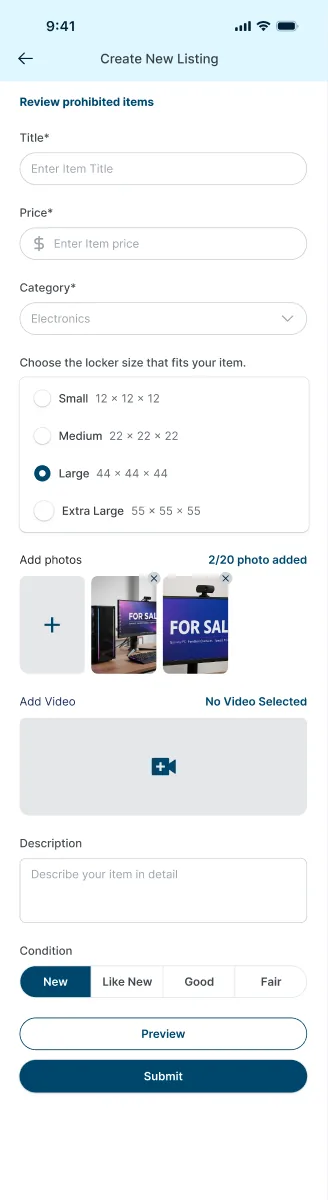
A buyer needs more than a title and price to judge an item. Sellers need a place to add its size, condition and photos.
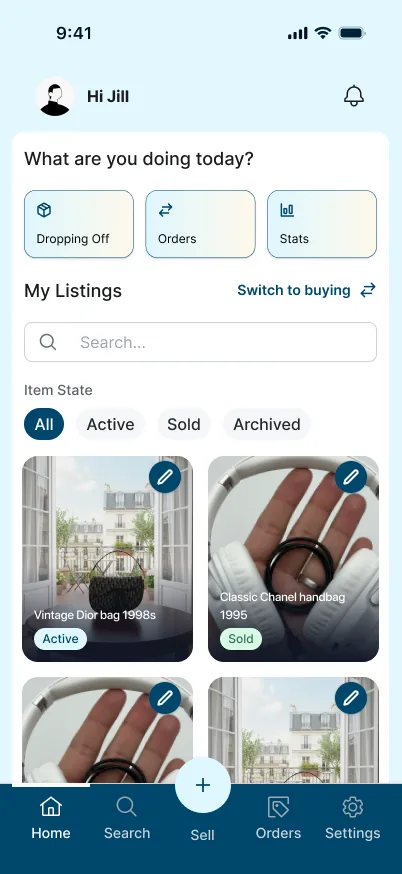
The listing form groups those details before preview and submission. On the seller home, active, sold and archived filters keep listings separated by state.
02
Know when to move on from payment
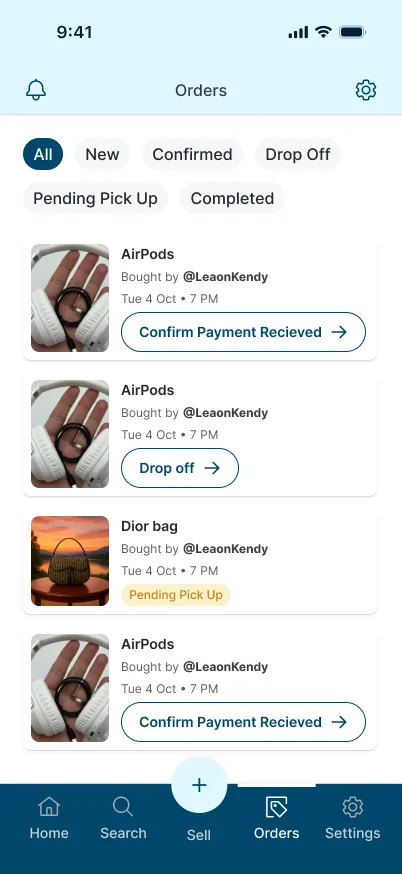
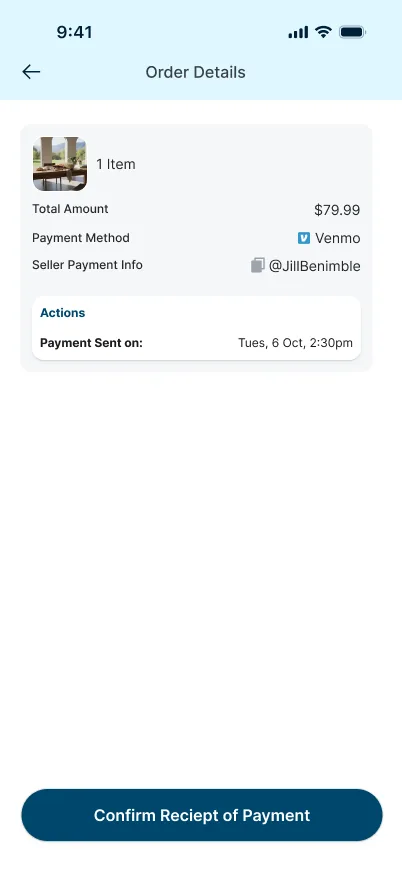
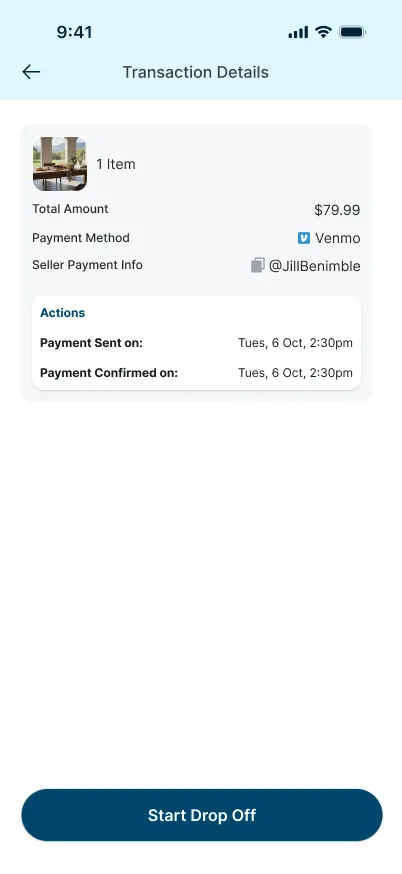
A seller needs to know whether payment has arrived before taking an item to a Station.
The order list gives each item a current action. Payment has its own confirmation screen; after confirmation, Start Drop Off becomes the next action.
03
Know what to do at the Station
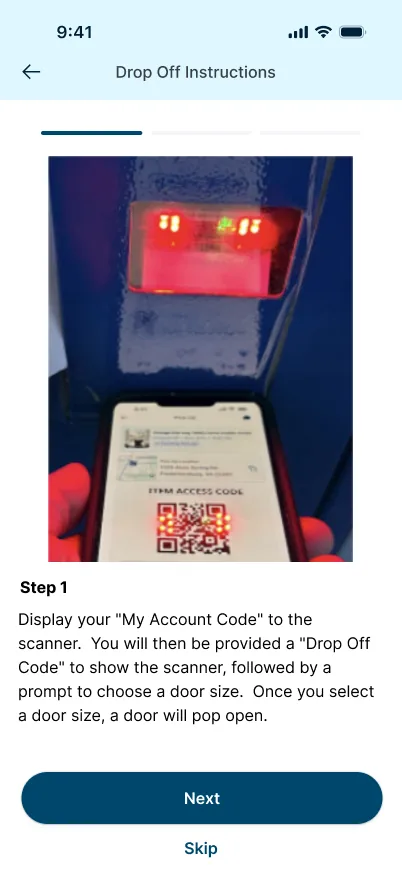
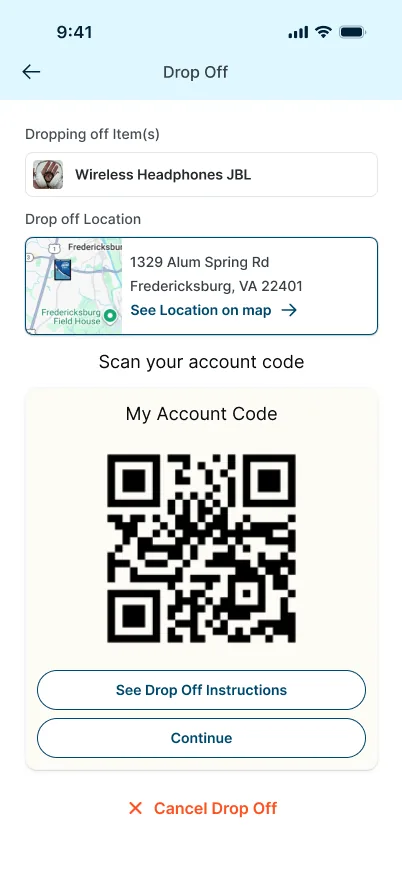
At drop-off, sellers need the right location, their code and instructions for the scanner.
The drop-off screen keeps the item, location and account code together. See Drop Off Instructions opens a step-by-step guide with a scanner photo and a Next button.